 Friends Day
A native app for iPhone and Android
Pick a day. Put ideas on it. Share the plan.
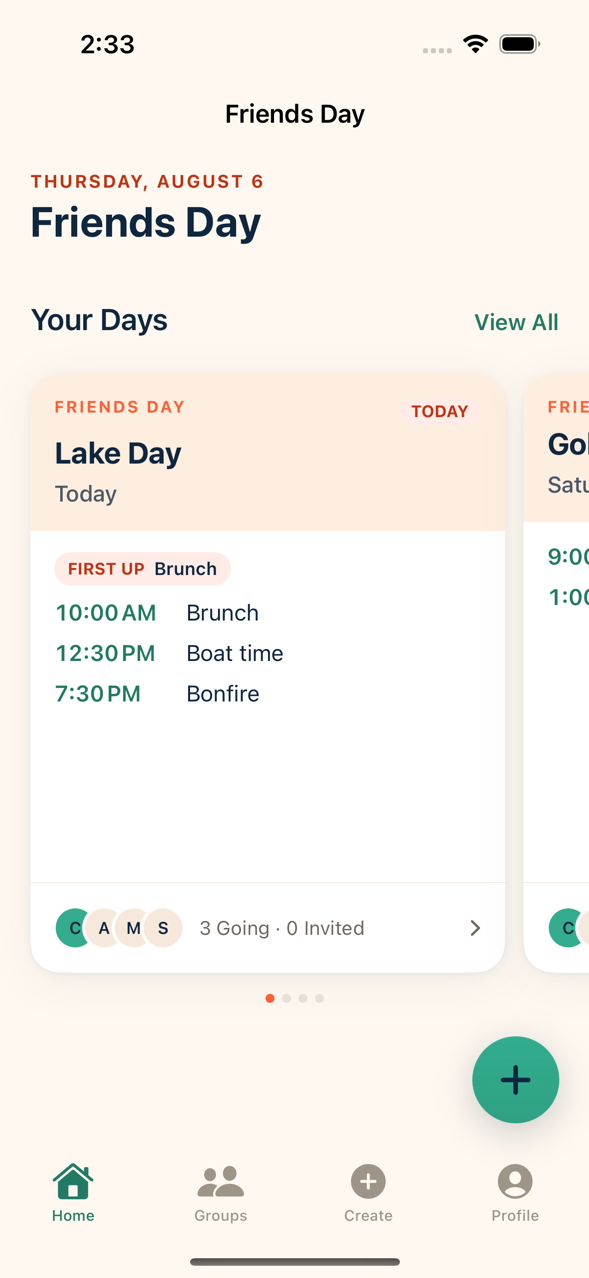
Friends Day turns “we should do something Saturday” into “Saturday. Brunch at 11. Golf at 1. Here is the day.” One clear plan that survives a noisy group chat.


How it works
Make a day in about 30 seconds
No account, no signup wall. You can build the whole plan before Friends Day asks you for anything.
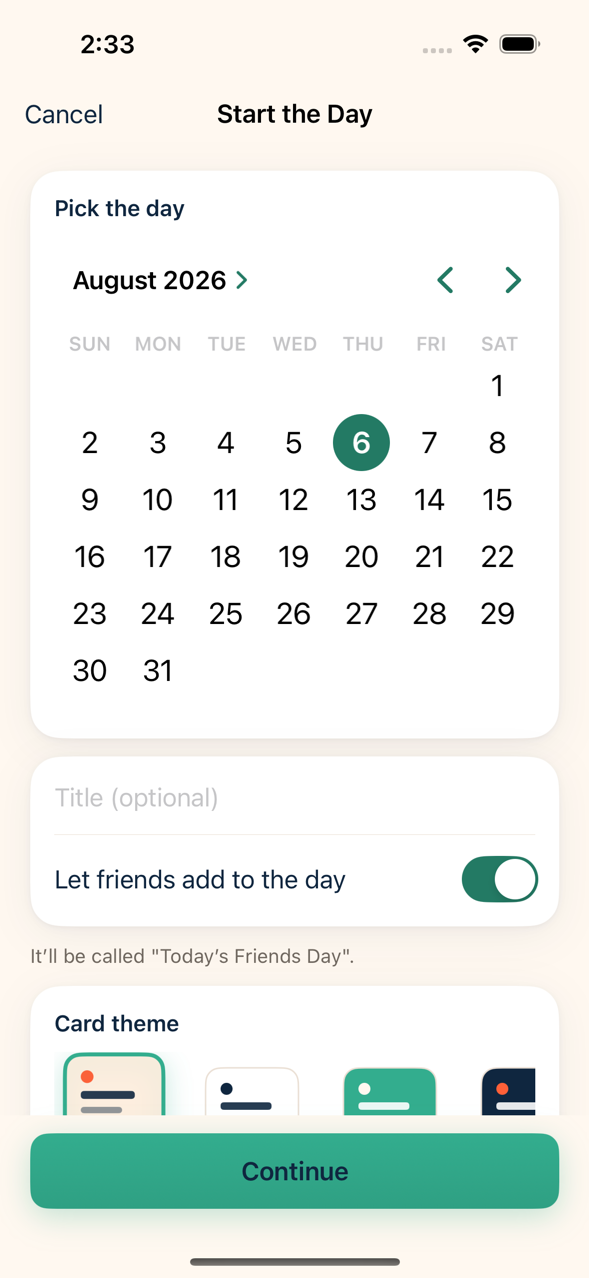
Start the Day
Pick a date and give it a name — or don’t, and let the day name itself.
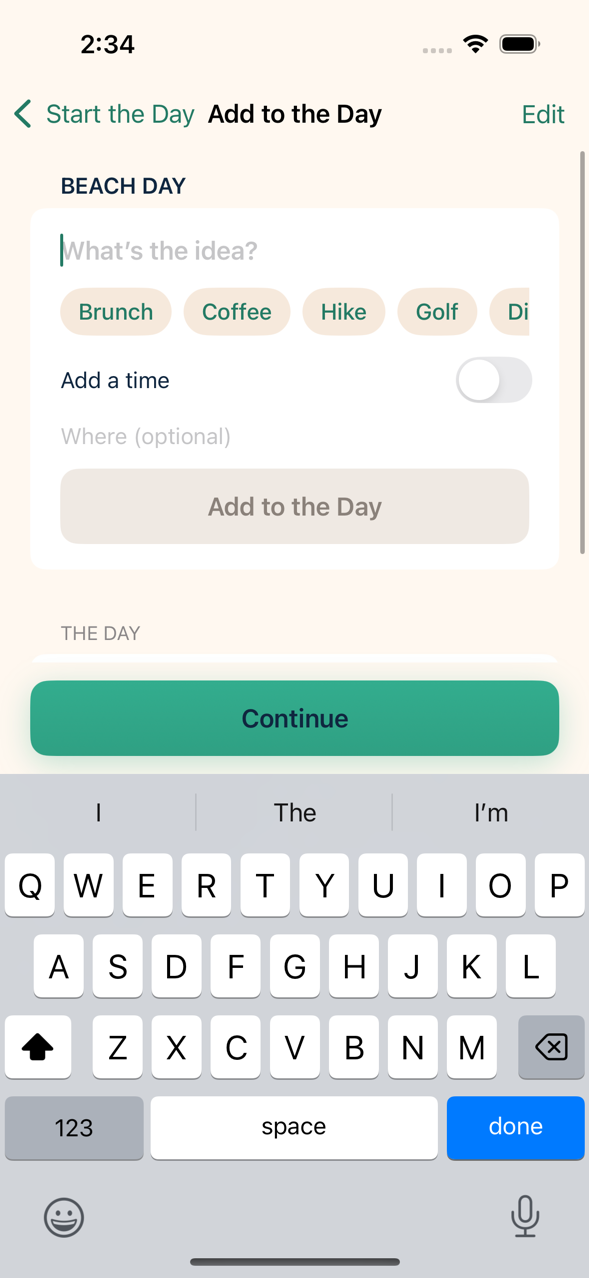
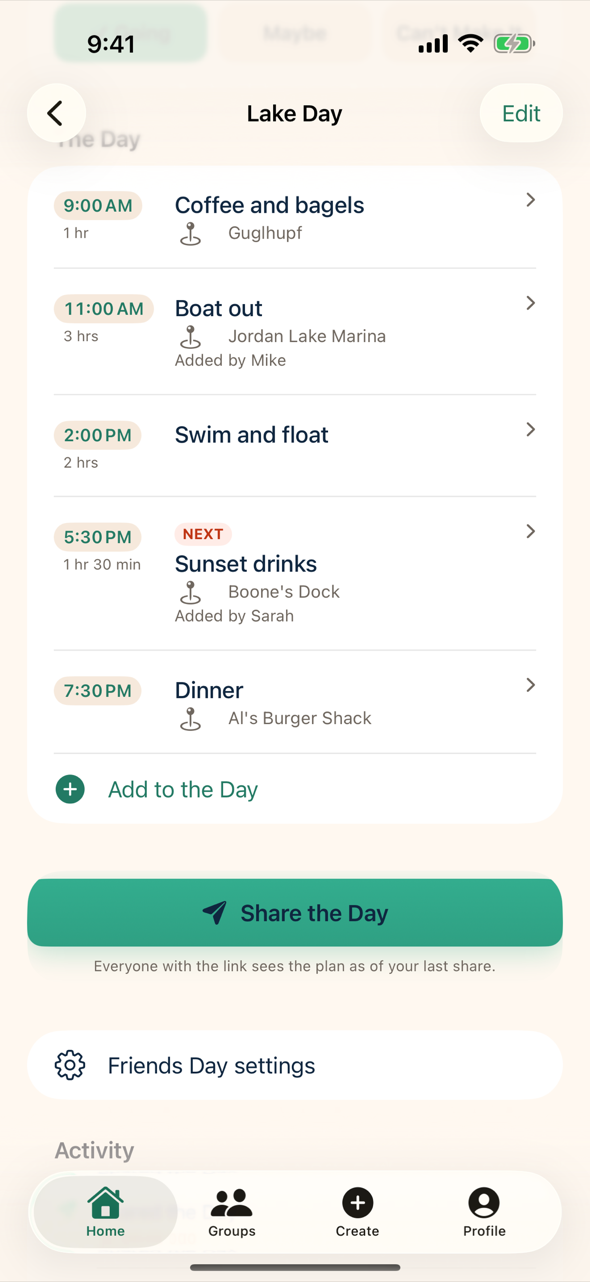
Add to the Day
Ideas with times, places and notes. Let friends add their own, or keep the plan yours.
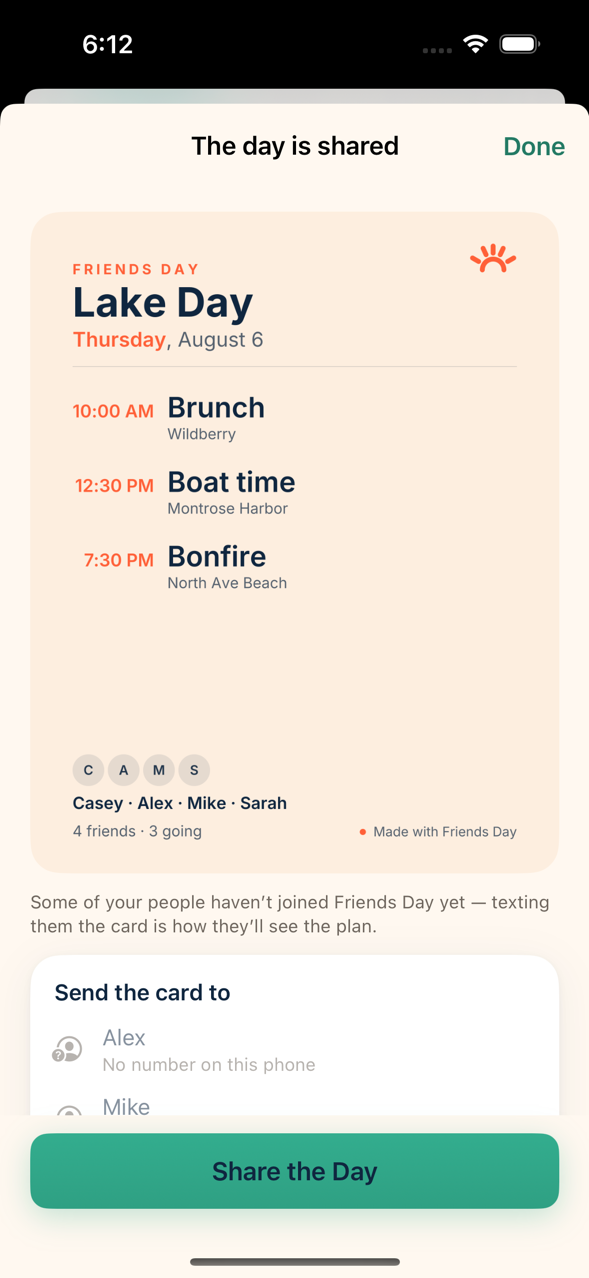
Share the Day
One tap makes a card and a link, and opens Messages with your people in it.
Make More Days Happen
Everyone sees one plan — what’s happening, who’s going, and what changed.
Friends Day is not a social network. There is no feed, no follower count, no discovery, and no way to find people you don’t already know. It does one thing: it makes a day actually happen.
Straight answers
Read the FAQ for how phone numbers, contacts, links and sharing work, the privacy policy for exactly what is stored and why, and delete your account whenever you want to.